Last Updated: November 8, 2026
Quick Summary
Smart home automation is worth it for most households if you start small and pick devices that solve a real daily annoyance. The value depends far more on planning than on how many gadgets you buy, since setup, upkeep, and compatibility drive the real payoff.
- The global smart home market is projected to climb from $147.52 billion in 2025 to $848.47 billion by 2034.
- HIRI reports 37% of internet-connected homes already have at least one smart device.
- Smart home energy savings are real but modest, so model the payoff against your own utility rate.
- Build total cost of ownership from hardware, installation, subscriptions, replacement cycles, and troubleshooting time.
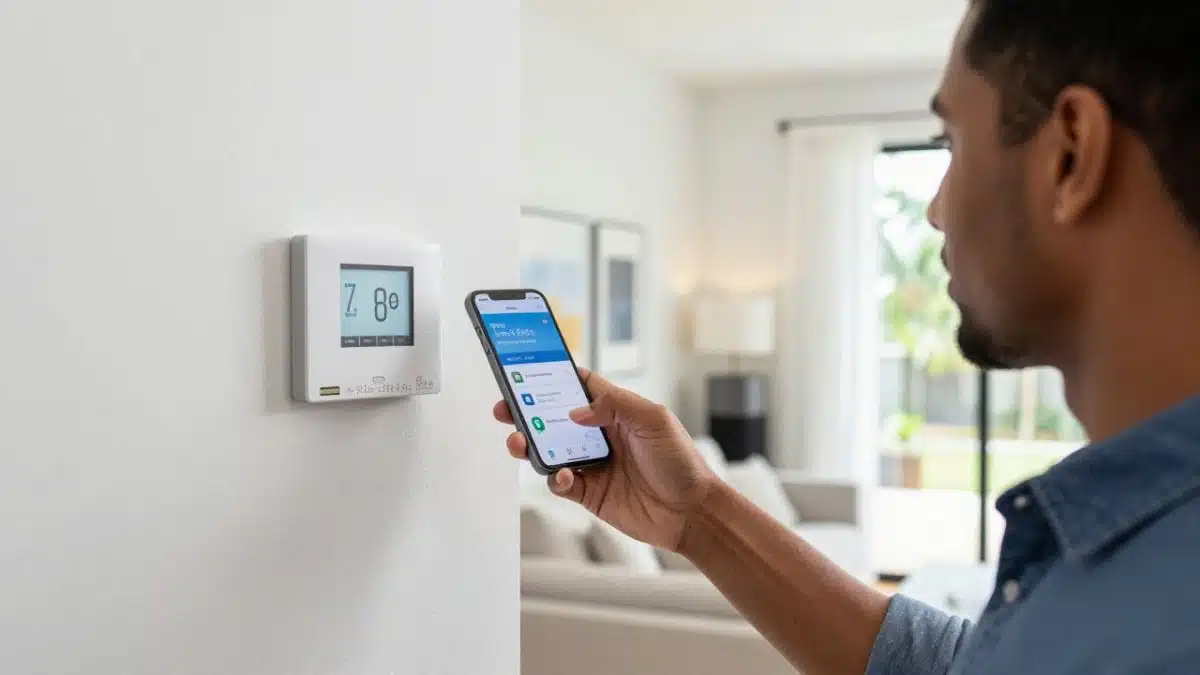
- Start with a smart thermostat, then add lighting, a video doorbell, and locks as your budget allows.
Table of Contents
- Smart Home Automation Pros and Cons at a Glance
- Smart Home Energy Savings: What You Can Realistically Expect
- Top Smart Home Devices and What Each One Is Actually For
- Common Smart Home Problems and How to Avoid Them
- A Step-by-Step Starter Plan by Budget
- Request a Smart Home Assessment for Your Riverview Home
- Frequently Asked Questions
Smart Home Automation Pros and Cons at a Glance
Is smart home automation worth it? For most households, yes, if you start small and pick devices that solve a real daily annoyance.
The market is growing fast. According to Fortune Business Insights’ 2025 smart home forecast, the global smart home market is projected to climb from $147.52 billion in 2025 to $848.47 billion by 2034. That scale tells you the technology is maturing, not fading.
Here’s the honest trade-off, up front.
What You Gain: Convenience, Control, and Monitoring
The gains are real and easy to feel:
- Convenience: lights, locks, and thermostats respond to schedules and voice control.
- Remote control: check cameras and door locks from anywhere.
- Energy awareness: a smart thermostat and connected lighting help you cut waste.
The Home Improvement Research Institute reports that 37% of internet-connected homes already have at least one smart device, according to HIRI’s 2026 smart home trends. You’re not an early adopter anymore.
What It Costs You: Money, Time, and Attention
Every smart home automation pros and cons list has to include the downsides. Devices need setup, updates, and occasional troubleshooting. Some features sit behind subscription fees. And a system with no plan becomes a pile of apps that don’t talk to each other.
A curious blog writer who ran 25 smart devices over five years reported that the automations worked well but demanded ongoing maintenance, per the blog writer’s five-year account. That matches what we see: the hardware is reliable, but the setup and upkeep are where people get frustrated.
Smart Home Energy Savings: What You Can Realistically Expect
Smart home energy savings are real but modest, and they come from a few specific places. Don’t expect a system to pay for itself in a year. Expect it to trim waste over time, especially on heating and cooling. The honest way to judge the payoff is to model it against your own utility rate and habits rather than trust a headline percentage. Most smart home owners would agree: the actual savings that gives them real piece-of-mind, is the convenience of being able to monitor and control their home from anywhere.
Where Savings Actually Come From
Most savings trace back to four mechanisms:
- Schedules and geofencing: the thermostat backs off when nobody’s home, then recovers before you return.
- Setback discipline: a smart thermostat removes the guesswork from overnight and away-from-home temperature setbacks, which is where most heating and cooling waste hides.
- Lighting control: LEDs turn off instead of burning all day, and dimming cuts draw further.
If you want backup power alongside efficiency, our battery backup systems in Riverview, FL pair well with a smart energy plan.
A Sample Payback Calculation You Can Adapt
Rather than rely on a savings percentage, work the math for your own home. Estimate the share of your annual electric bill that goes to heating and cooling, apply a conservative setback savings range, and compare that annual dollar figure to the installed cost of the thermostat and any wiring work. Treat any payback period you read online, including estimates from any source, as an estimate, not a promise.
Three variables move the result more than anything else:
- Climate and envelope: a well-insulated house with a modern HVAC system will see different results than an older home with drafty windows.
- Utility rate structure: time-of-use rates reward shifting load, while flat rates reward simple setback.
- Household habits: a home that’s occupied all day saves less from scheduling than one that empties out.
The Wiring and Panel Factors Nobody Mentions
An often-overlooked point: your electrical panel has to support what you’re adding. Our Electrical Panel & Service Upgrades cover exactly this, from breaker and meter work to full panel replacement.
Watch out: adding a large load to a panel that’s already near capacity can trip breakers or, worse, create a fire risk, so have capacity confirmed before you buy the equipment.
Top Smart Home Devices and What Each One Is Actually For
The top smart home devices each solve a different problem. Buying the right ones for your household matters more than buying the most.
|
Device |
What It’s For |
Best For |
|---|---|---|
|
Smart thermostat |
Climate schedules, energy savings |
Almost every home |
|
Smart lighting |
Schedules, scenes, remote control |
High-traffic rooms |
|
Smart locks |
Keyless entry, remote access |
Frequent guests, deliveries |
|
Cameras and doorbells |
Monitoring, package alerts |
Front door, driveway |
|
Motion sensors |
Automation triggers, security |
Hallways, garages |
A Realistic Total-Cost-of-Ownership View
Total cost of ownership includes more than the device price. Build your estimate from five buckets:
- Hardware: the device itself, plus any hub or bridge the ecosystem requires.
- Installation and wiring: thermostat wiring, doorbell transformers, dedicated circuits, and any panel work. A licensed electrician’s assessment can identify wiring needs, such as a neutral wire or transformer upgrade, before you buy.
- Subscriptions: cloud camera storage and some monitoring features carry recurring fees. A camera with a monthly cloud plan costs more over five years than its sticker suggests.
- Replacement cycles: cameras, doorbells, and hubs have shorter useful lives than a thermostat or hardwired lighting, so budget for at least one replacement over a five-year horizon.
Before work starts, you can request an individual quote for your project and review the full picture for your budget.
Avoiding Ecosystem Lock-In
Compatibility is the quiet cost driver. Devices that share a protocol and hub work together; devices from competing ecosystems often don’t, and a service shutdown can strand hardware you already paid for. Before you buy, confirm which protocol each device uses, whether it needs a hub, and whether it still works locally if the cloud service goes away. If you’d like help mapping compatibility before you commit, reach out to our local electrician team.
Common Smart Home Problems and How to Avoid Them
The most common smart home problems are dropped connections, devices that won’t talk to each other, and apps that multiply.
SafeHome’s 2026 guide flags cybersecurity as a genuine drawback of home automation, alongside its convenience and safety benefits, per SafeHome’s home automation overview.
A few practical fixes:
- Check compatibility first: confirm devices share an ecosystem or hub before you buy.
- Strengthen Wi-Fi: dead zones cause most reliability complaints.
- Secure your network: change default passwords and keep firmware updated.
- Plan for offline fallback: smart locks and lights should still work manually.
For safe troubleshooting of electrical issues tied to smart devices, see our guide on common home electrical problems.
A Step-by-Step Starter Plan by Budget
A good starter plan grows with your budget instead of buying everything at once. Start with one or two devices that fix a daily annoyance, then expand as you learn what your household actually uses.
- Start with a smart thermostat. Biggest everyday payoff.
- Add smart lighting in the rooms you use most.
- Add a video doorbell for monitoring and package alerts.
- Add smart locks once you’re comfortable with the app.
- Plan panel capacity before adding EV charging or backup power.
When you’re ready to talk through options and get a straight quote, reach out to our local team of electricians.
Request a Smart Home Assessment for Your Riverview Home
A smart home assessment starts with your goals, not a sales pitch.
If you’re ready to move forward, our smart home automation service in Riverview, FL covers lighting, cameras, thermostats, and connected device control.
Call or text 813-252-1933 to request an estimate. Photos of your panel and the project area help us quote faster and more accurately.
Deciding whether smart home automation is worth it comes down to planning, not gadget count.
Frequently Asked Questions
What are the disadvantages of smart home automation?
The main drawbacks are upfront cost, ongoing maintenance, and dependence on your Wi-Fi network. Devices from different brands sometimes refuse to talk to each other, and subscription fees can pile up for camera storage or advanced features. Cybersecurity is a real concern too; Cyber risk is a genuine drawback alongside the convenience benefits. Many smart home owners find the automations work well but need regular upkeep. Budget time for updates and troubleshooting, not just the purchase.
Can smart home automation lower energy use?
It can, but the savings depend on what you automate and how you use it. Smart thermostats that adjust schedules when nobody is home, smart lighting that turns off automatically, and monitoring that catches a running HVAC system are the clearest opportunities for smart home energy savings. The research does not support a guaranteed percentage for any individual household, so treat savings claims with caution. Ask for a walkthrough of your current usage before assuming automation will cut your utility bills.
Do smart home devices work together across different brands?
Sometimes, and it depends on the protocol each device uses. Wi-Fi devices usually connect directly to your router, while others rely on a hub or a standard like Matter or Zigbee. Improved interoperability is a growing development theme, but it is not universal yet. Before buying, check that each device supports the same ecosystem or hub. Choosing one ecosystem upfront is the simplest way to avoid lock-in and the frustration of devices that will not pair.
What should I consider before installing smart home automation?
Start with your electrical panel and wiring. Many Riverview-area homes have panels that are already near capacity, and adding smart switches, a Level 2 EV charger, or a battery backup system can push an older service past its limit. Have a licensed electrician check capacity before you buy devices. Then decide on one ecosystem, confirm your Wi-Fi reaches every room, and set a realistic budget that includes installation labor and any subscription fees. Photos of your closed panel and the project area help us quote accurately.


